
Introduction to a few tools
Firstly, we need access to a great tool – the EO BROWSER.
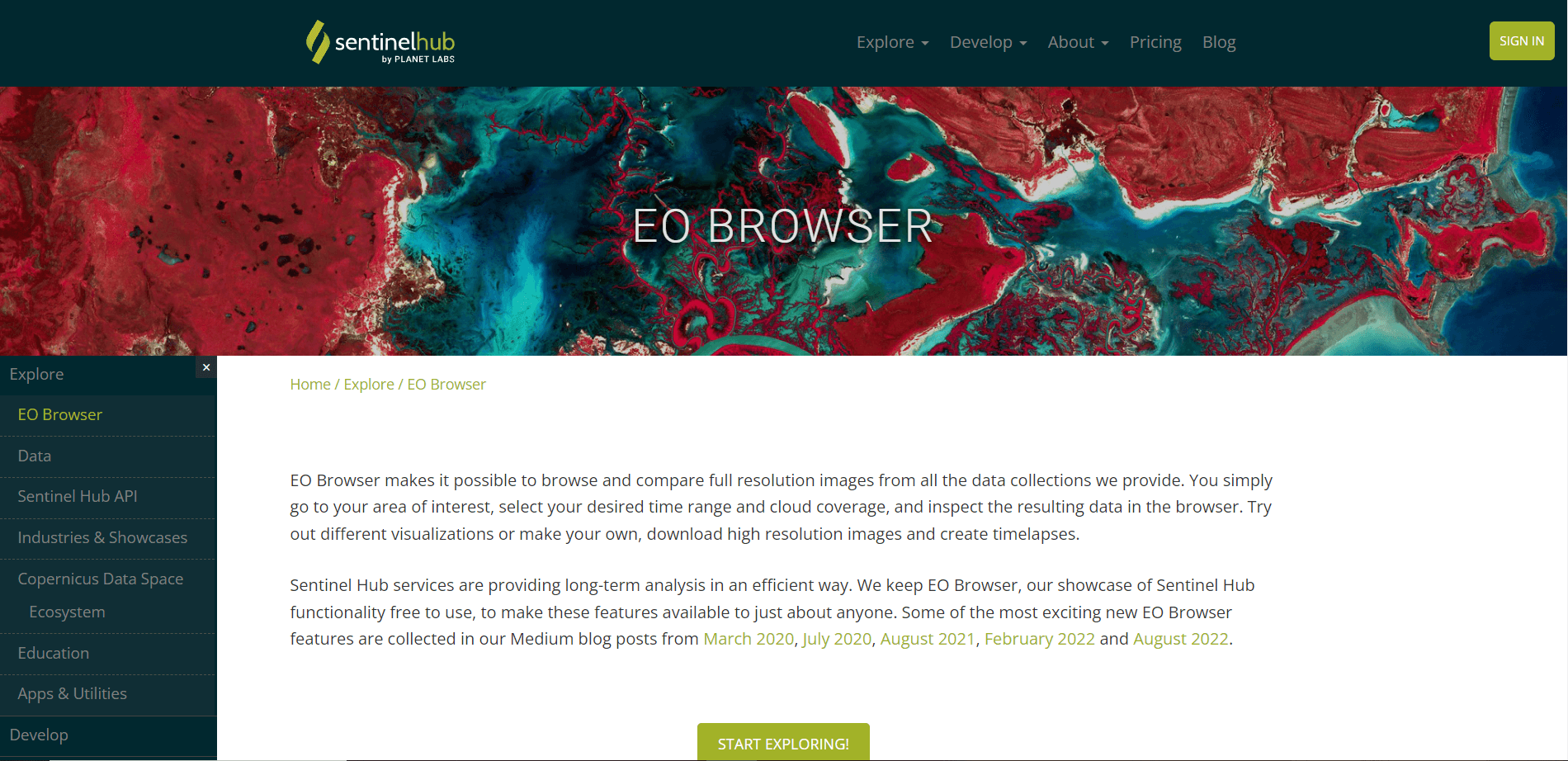
You can sign up for free here:
https://www.sentinel-hub.com/explore/eobrowser/
With EO Browser, you may rapidly view satellite data from several satellites and data sets.
The description of the EO browser under the following link gives you a first insight into the possibilities of the tool:
https://www.sentinel-hub.com/explore/eobrowser/
There you can try out different data sources (from different satellites) and different days of the month and year and filter according to the cloud cover on the days you are interested in. Select one of the tiles shown in the sidebar with the least cloud coverage and click on “Visualize” to see the satellite image.
To get you started, here are two valuable links that will give you more details and helpful insights.