Put wildfires into meaningful relationships
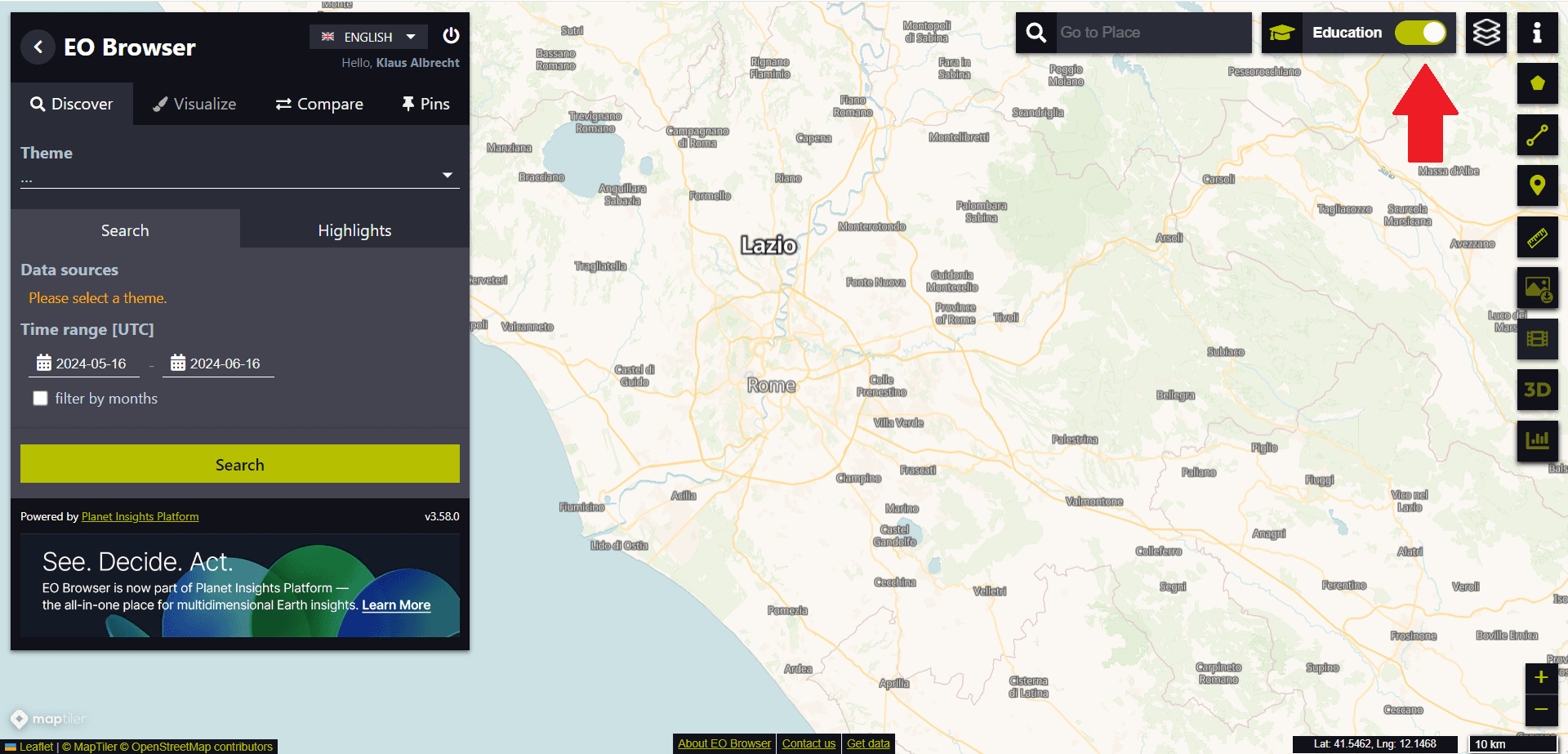
For the first exercise with the EO Browser, we want to switch to Educational mode (see red arrow in the top right corner of the following image):
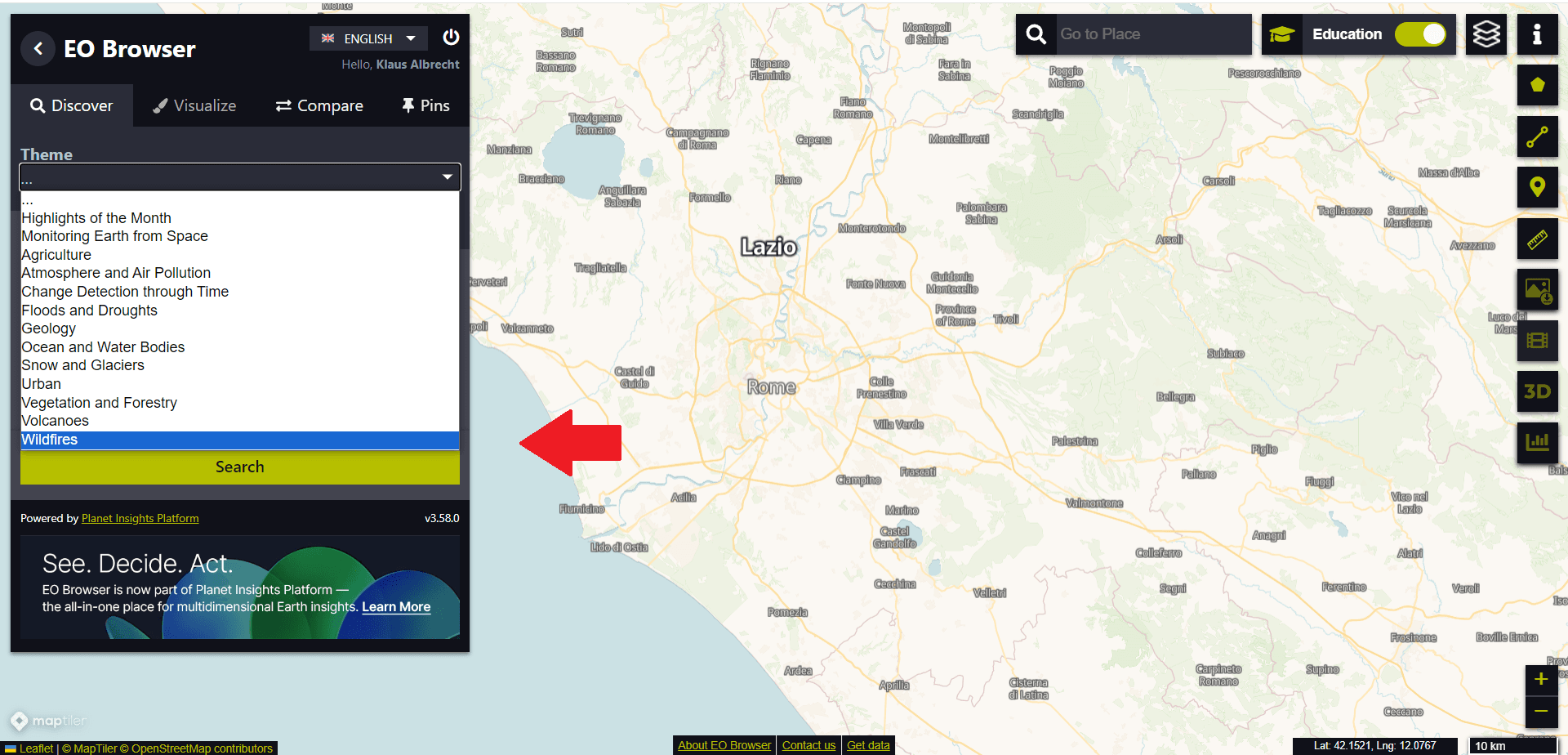
Then we use the drop-down menu on the left-hand side to select the “Wildfire” theme:
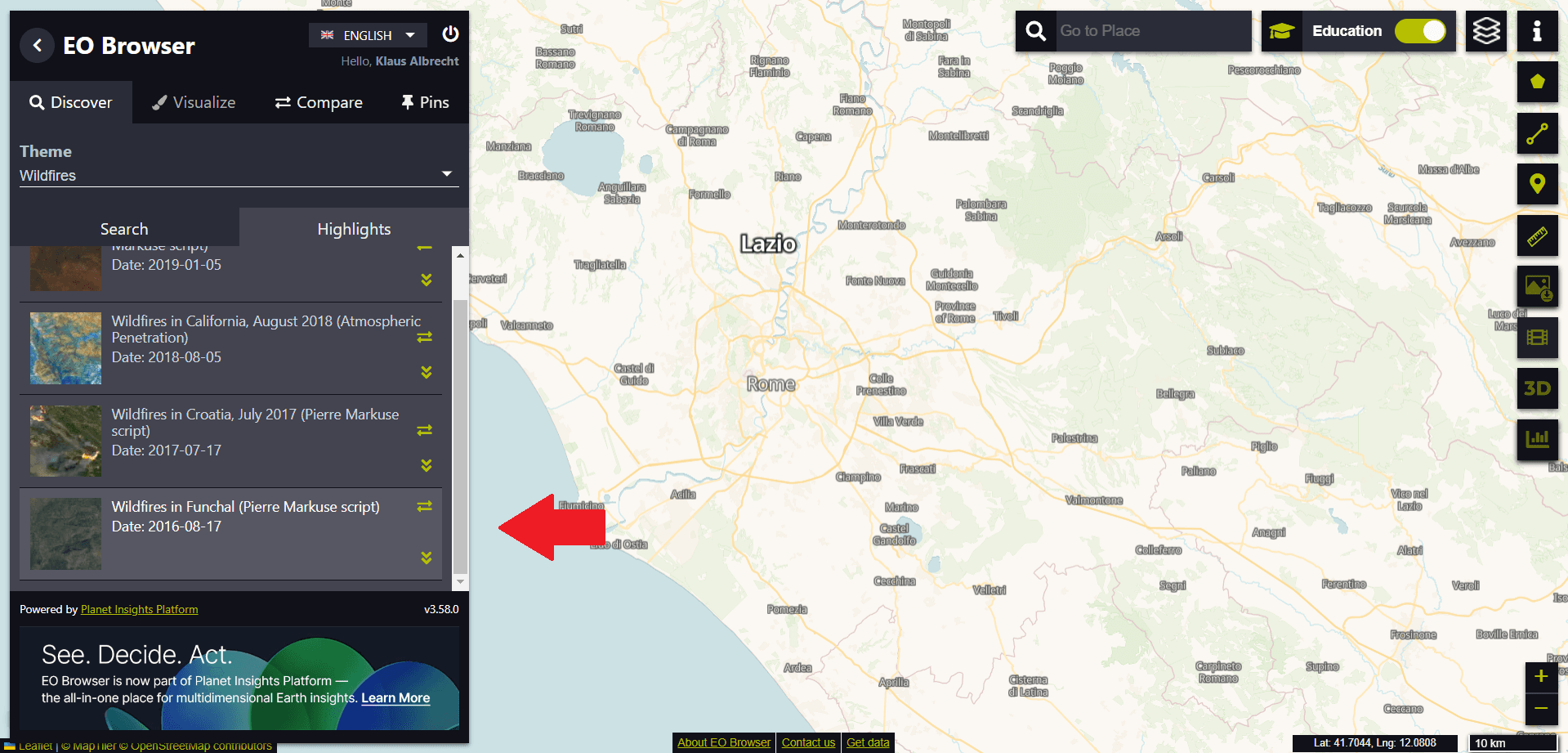
From the suggested “Highlights” we select the entry “Wildfires in Funchal (Date: 2016-08-17)” at the end of the list.
We then see the island in true colour on the satellite image. To recognise the whole island, we have to zoom out of the image.
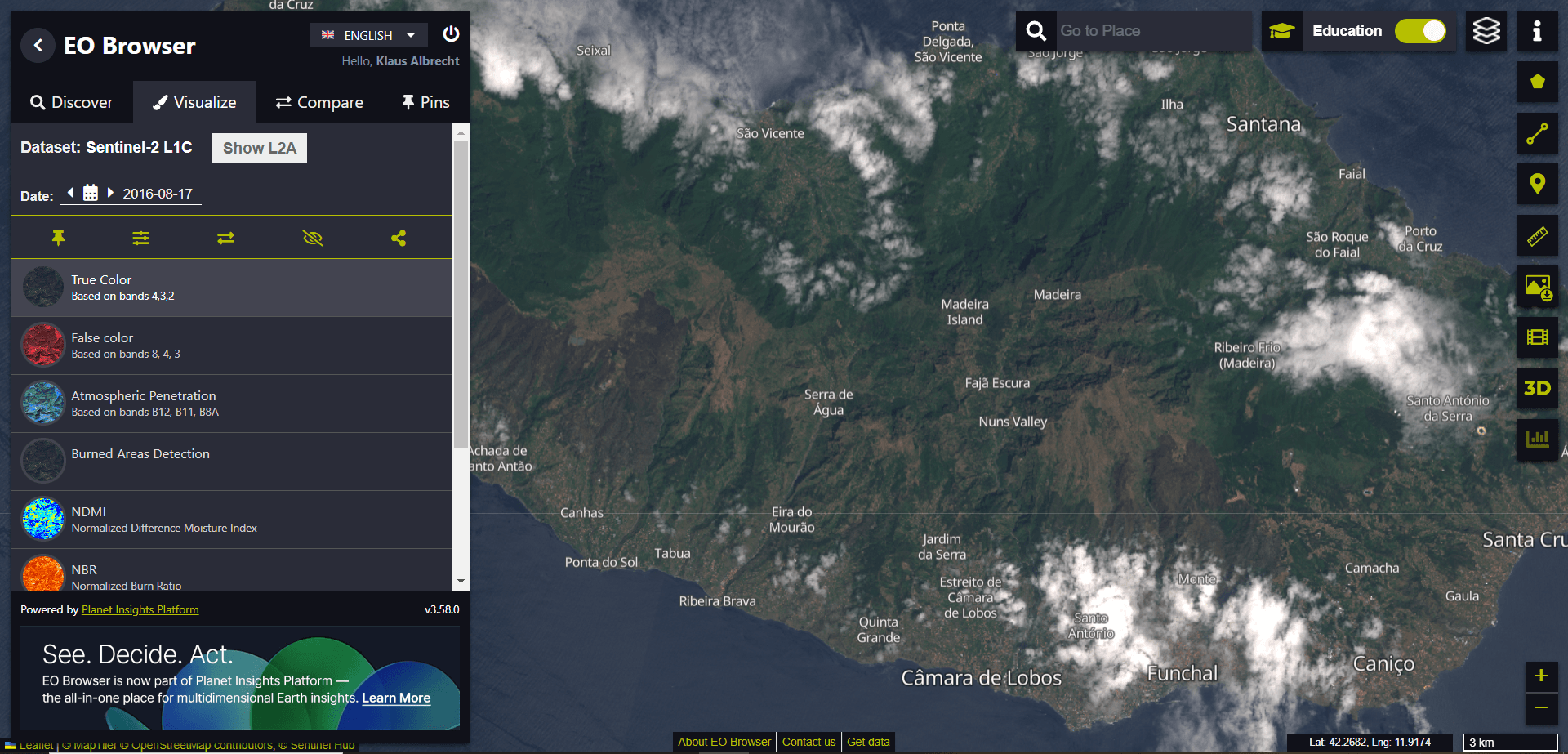
At first glance, it might not be easy to recognise the burnt surfaces.
We now use the search function (to be found at the top of the window with the magnifying glass symbol) to scout out a specific location on the island. We visit the municipality of “Ribeira Brava” in the south of the island. We enter the search term “Ribeira Brava (Protugal)”.
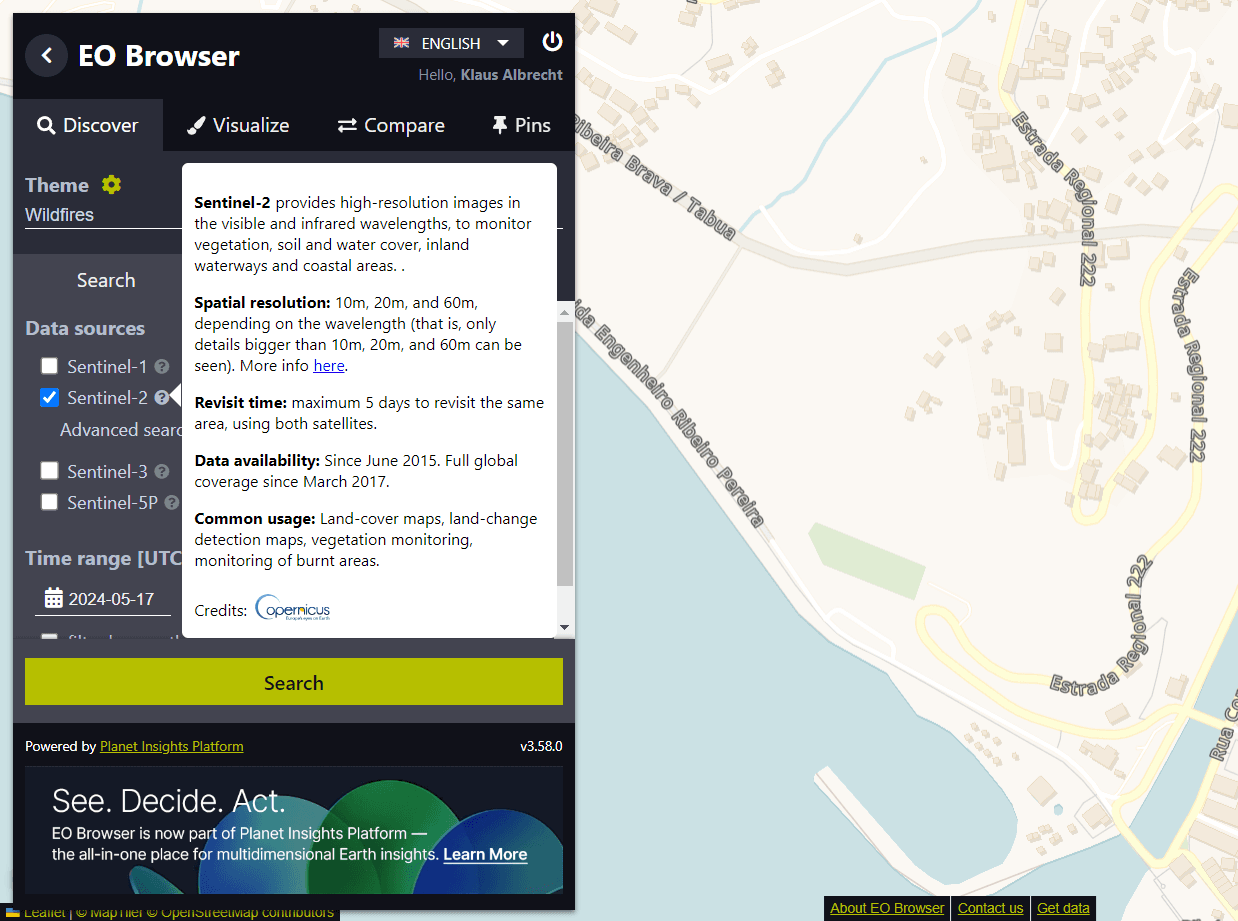
We zoom in close to the village. The picture becomes pixelated, but we can estimate that the harbour wall is about 200 metres long using the scale in the bottom right-hand corner.
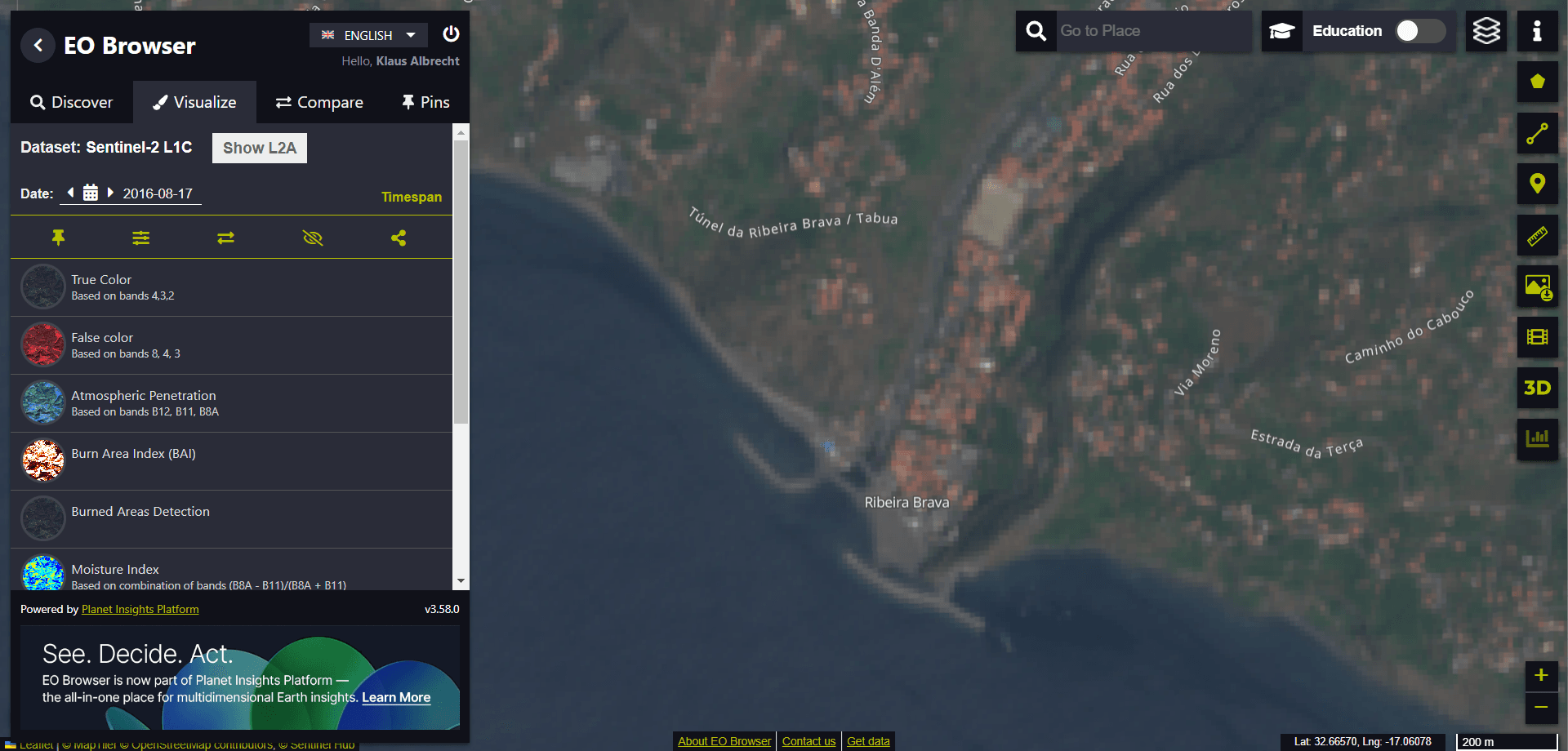
If we now zoom in even further, we reach the limit of resolution. The individual pixels in the image no longer reveal any further details.
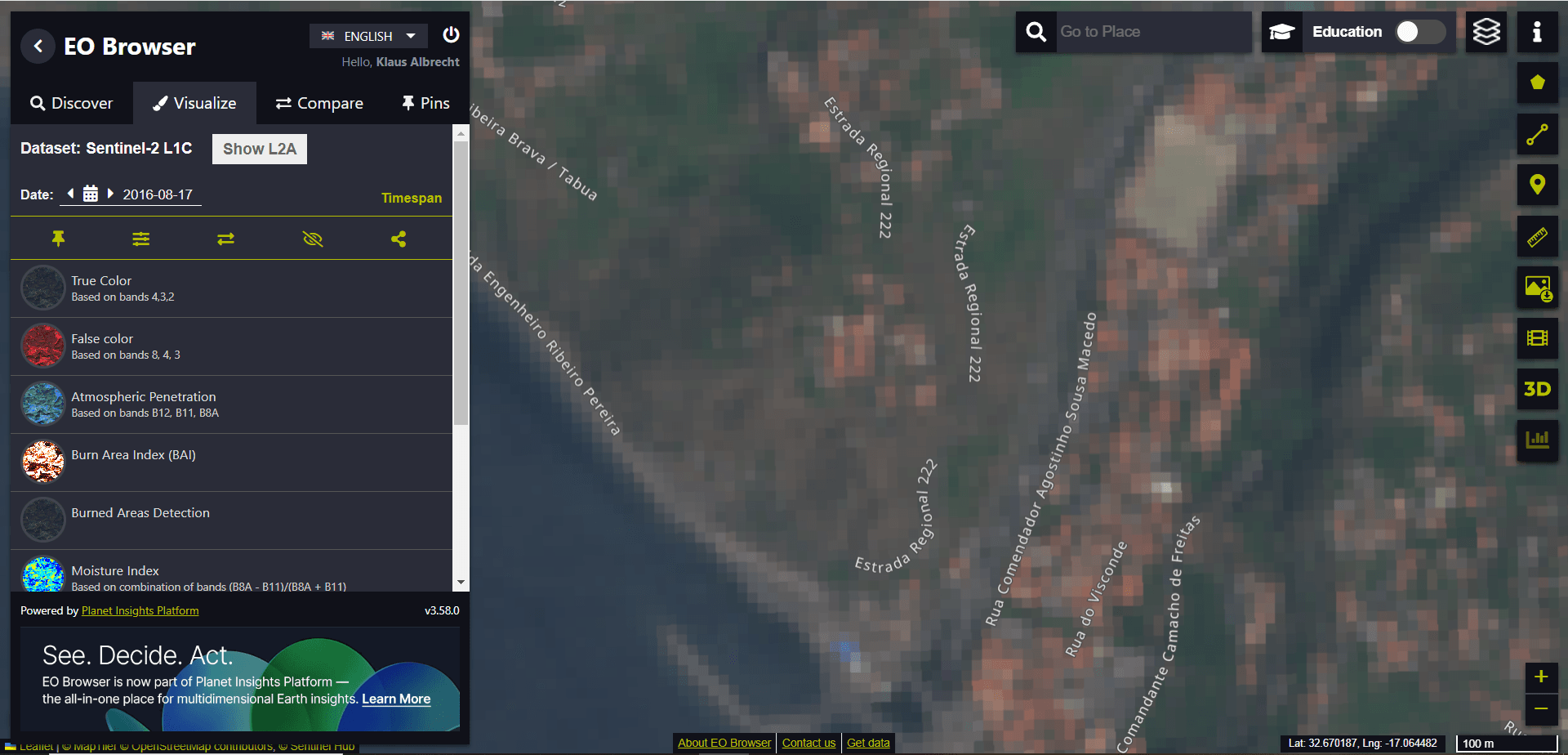
Due to the available spatial resolution, it is not possible to separate individual buildings from one another. Using the measuring tool on the right-hand side of the screen (see red arrow in the image), we want to measure the distance covered by 10 individual pixel points in the image.
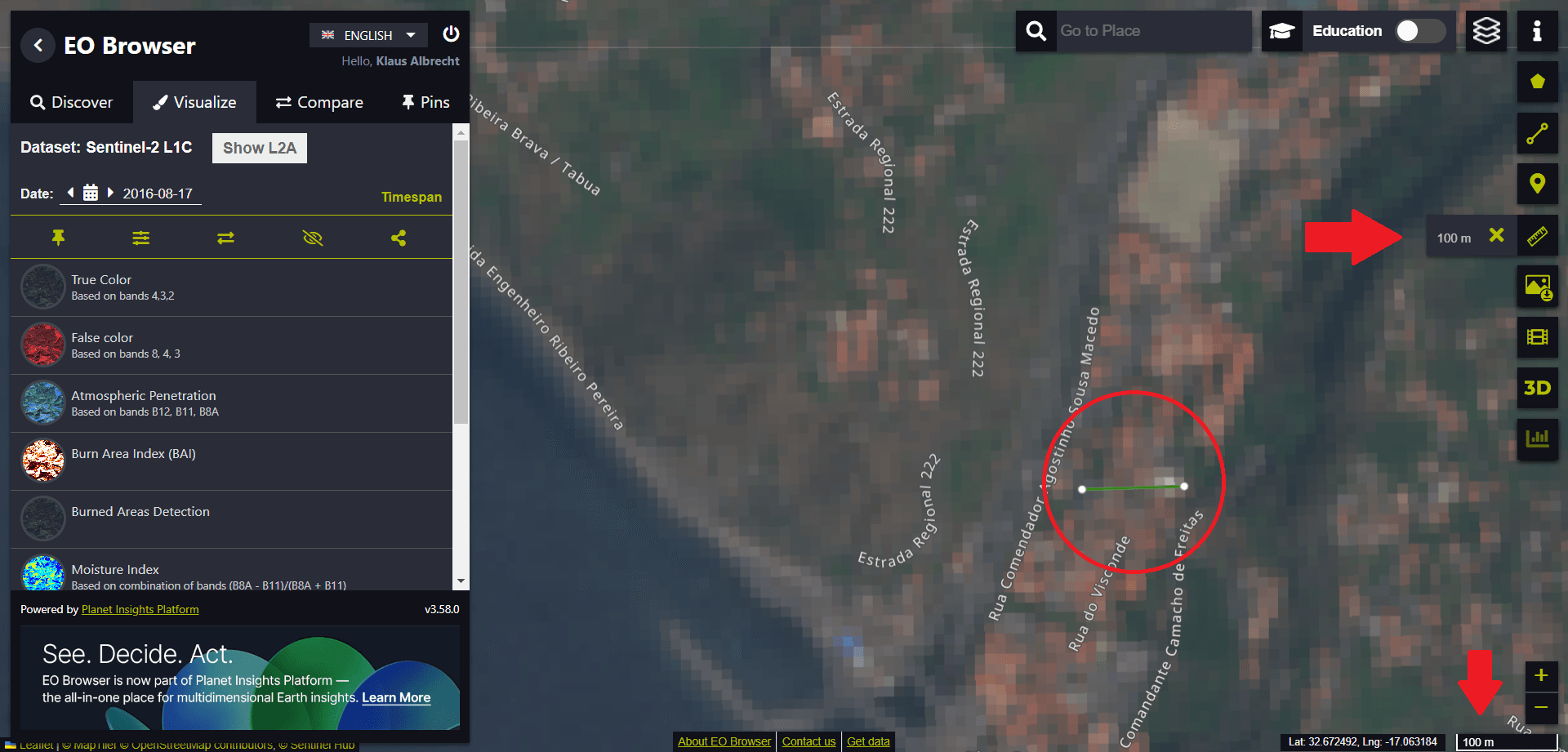
We find that 10 pixels span a length of approximately 100 metres. The maximum image resolution – the individual pixel in the image – extends over a length of 10 metres. The resolution of the satellite image is therefore limited to an area of 10 metres by 10 metres.
Let us now switch to another map. Now let’s take a look at the Ribeira Brava area using Google Maps.
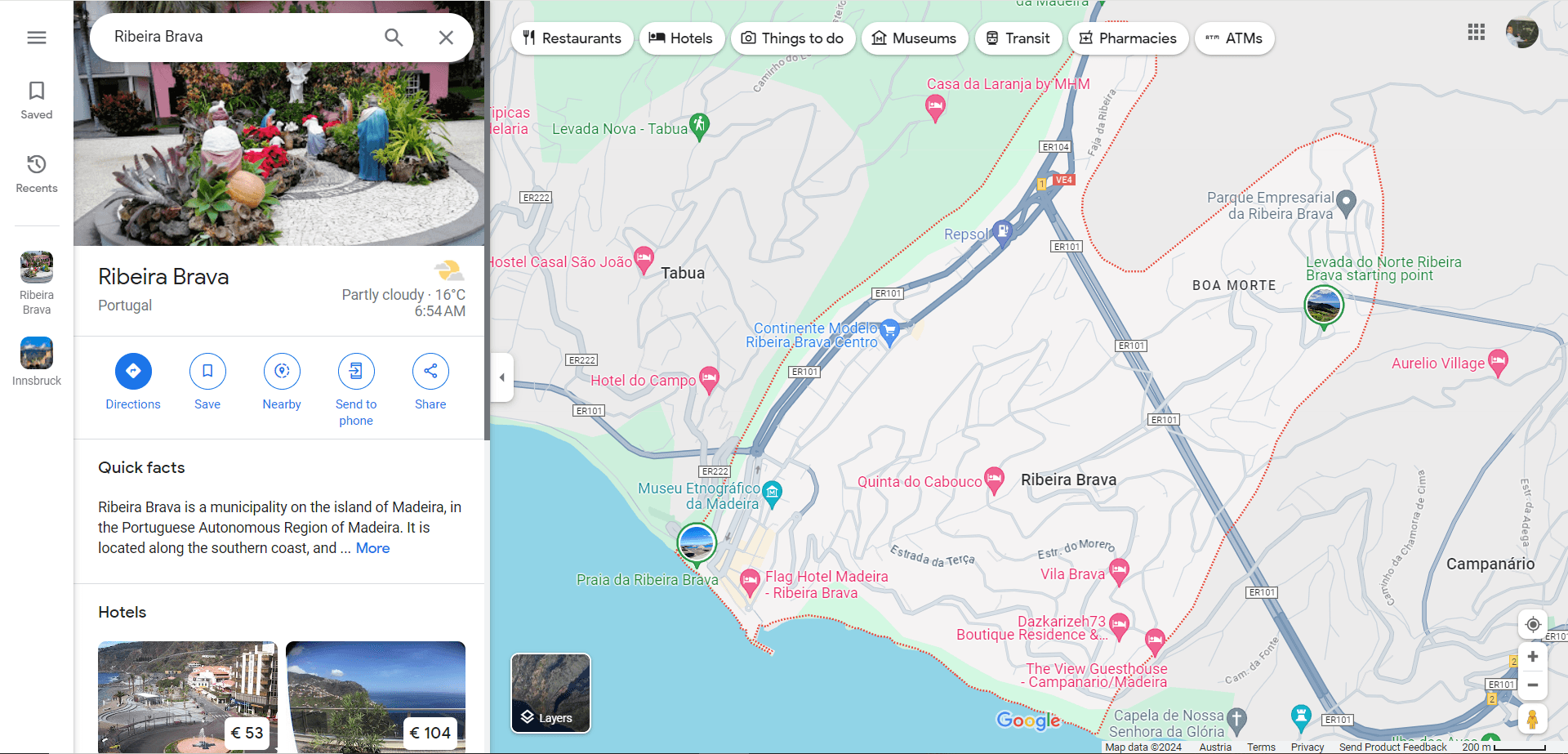
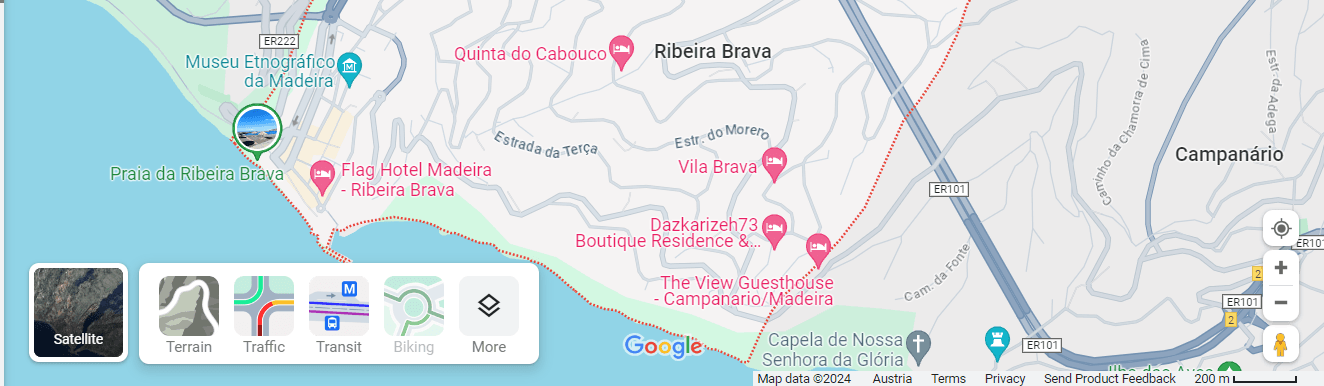
We then switch to the satellite image.
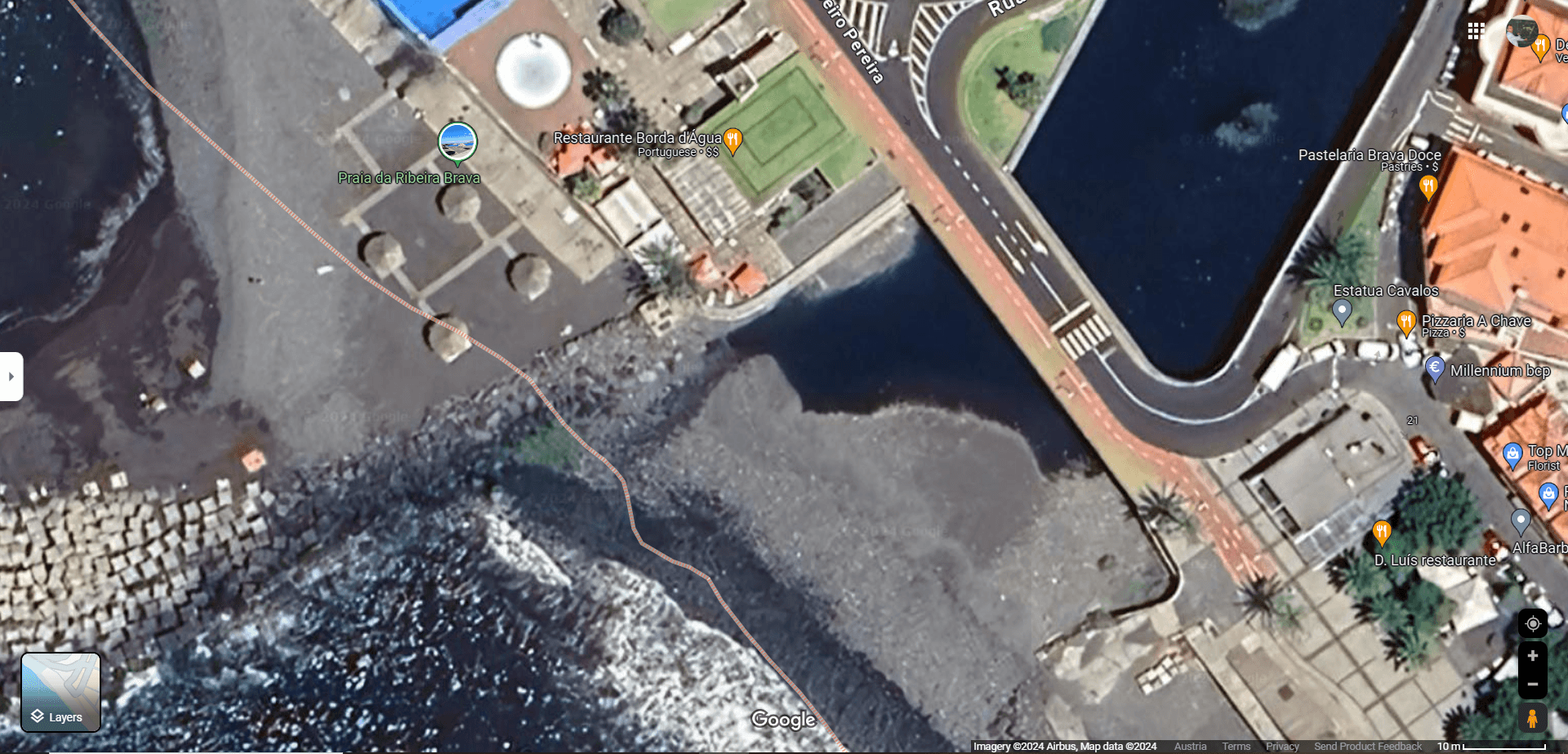
Again we zoom into the image. This time we achieve an image resolution that is smaller than one metre! For example, we can clearly make out the zebra crossing and other road markings.
A few hundred metres upstream from the river mouth we discover a football pitch.
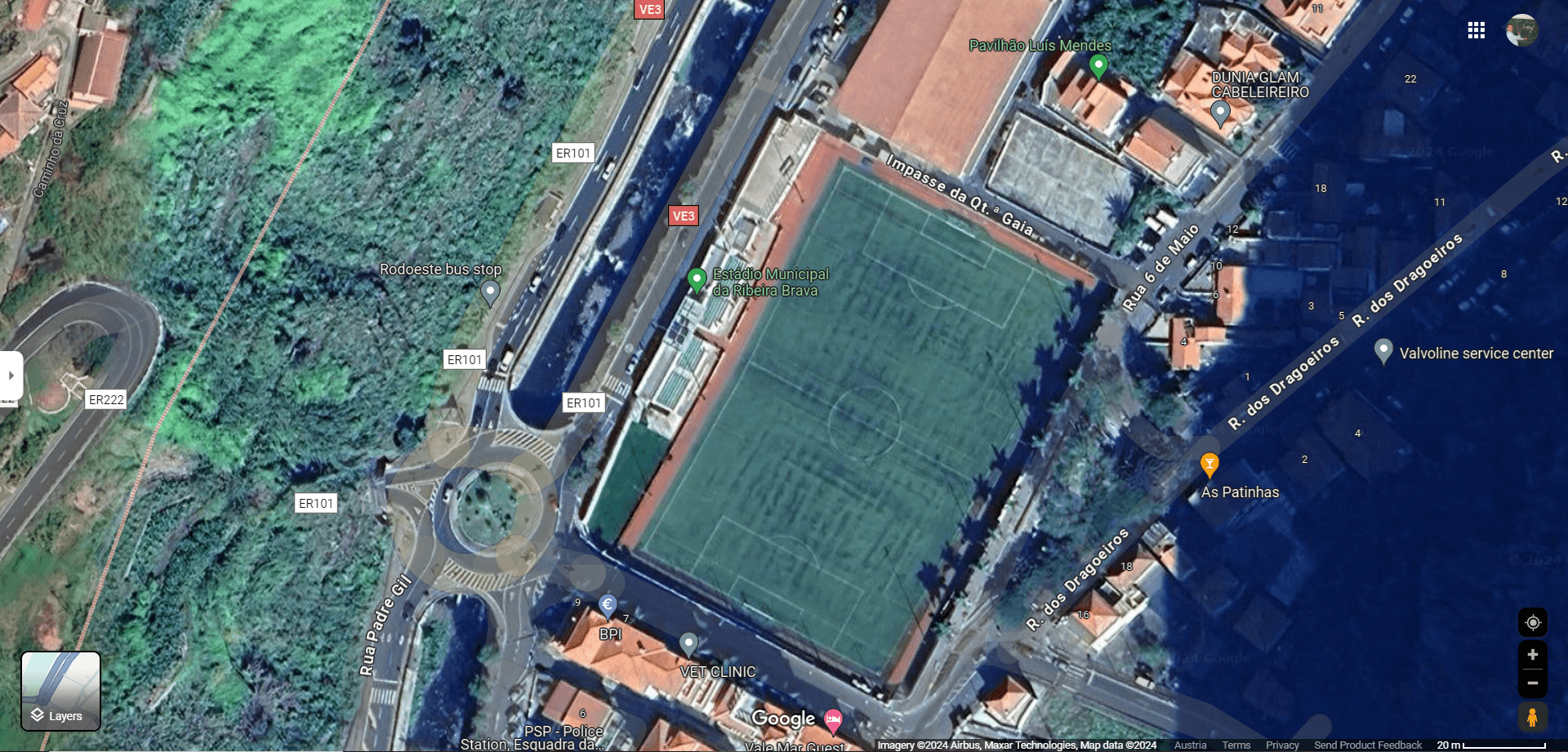
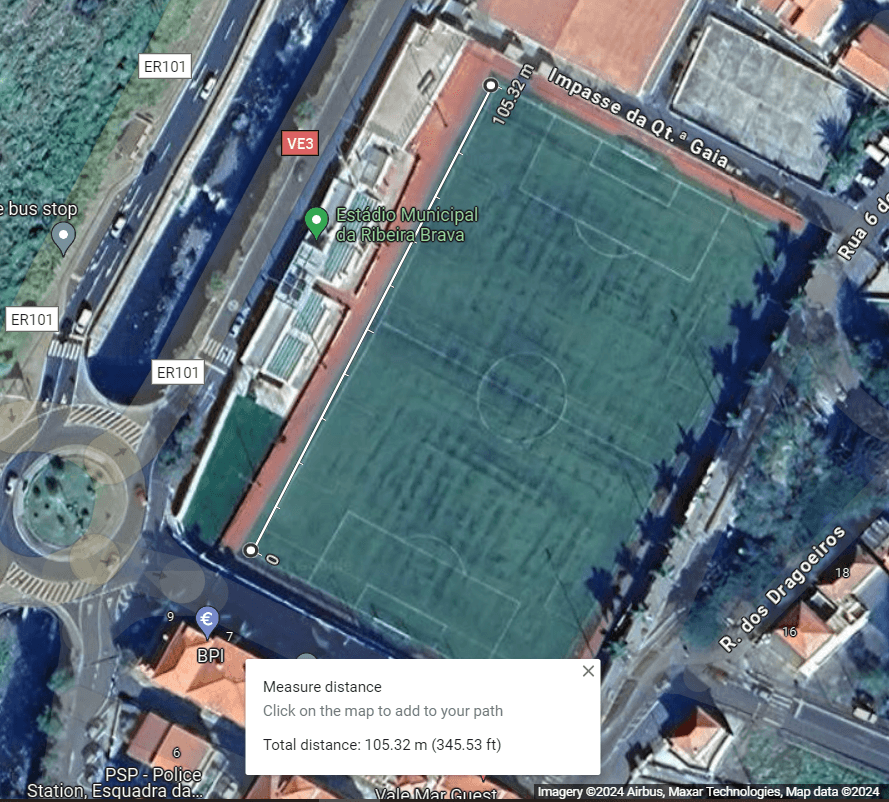
If we press the right mouse button over the image, we can measure the length of the football pitch.
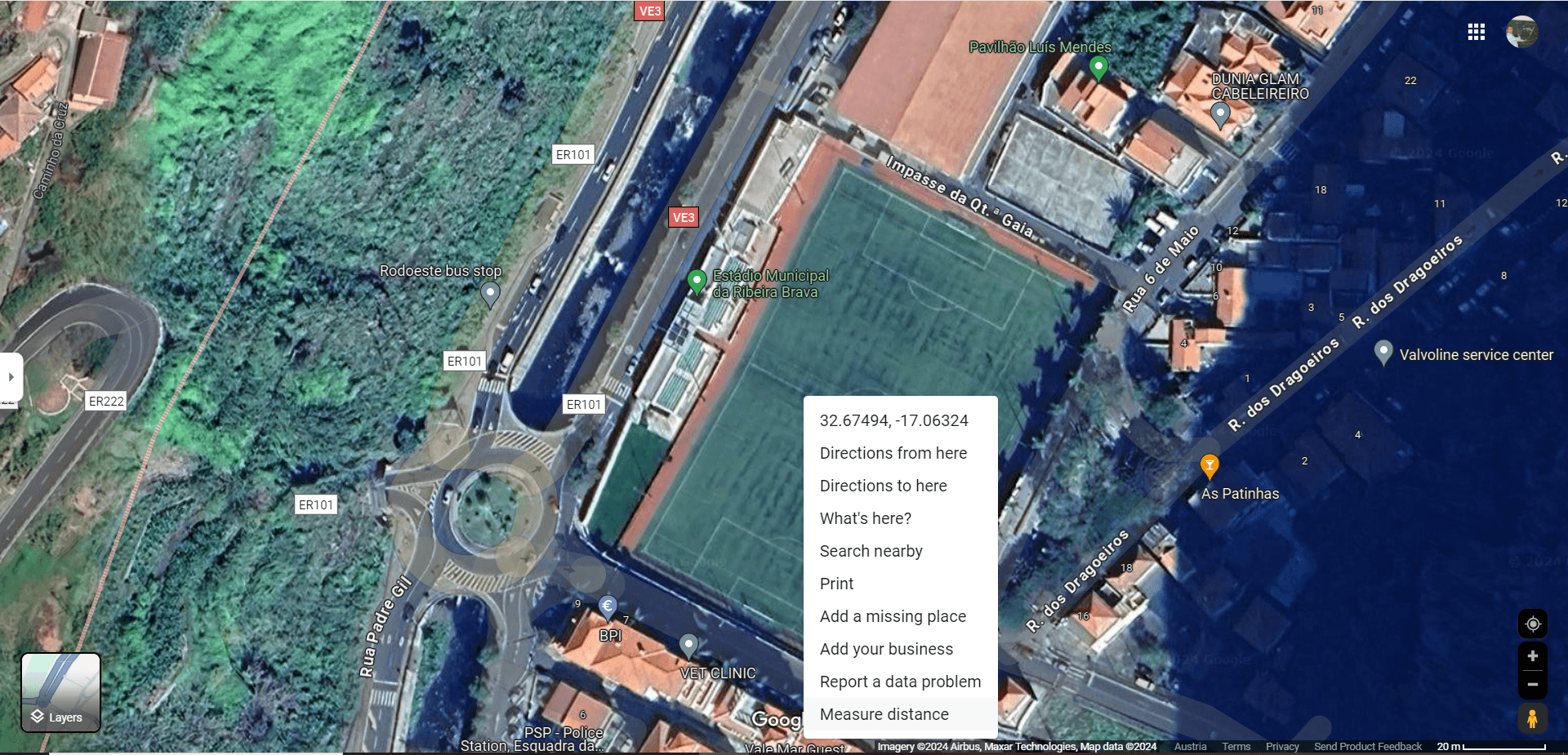
We measure the length of the football field.
This exercise helps to make the information on the Alaska Wildland Fire Dashboard website more relatable. We visit their website again for this purpose:
https://www.arcgis.com/apps/dashboards/f3a2b5b11466438e85fffca787542df8
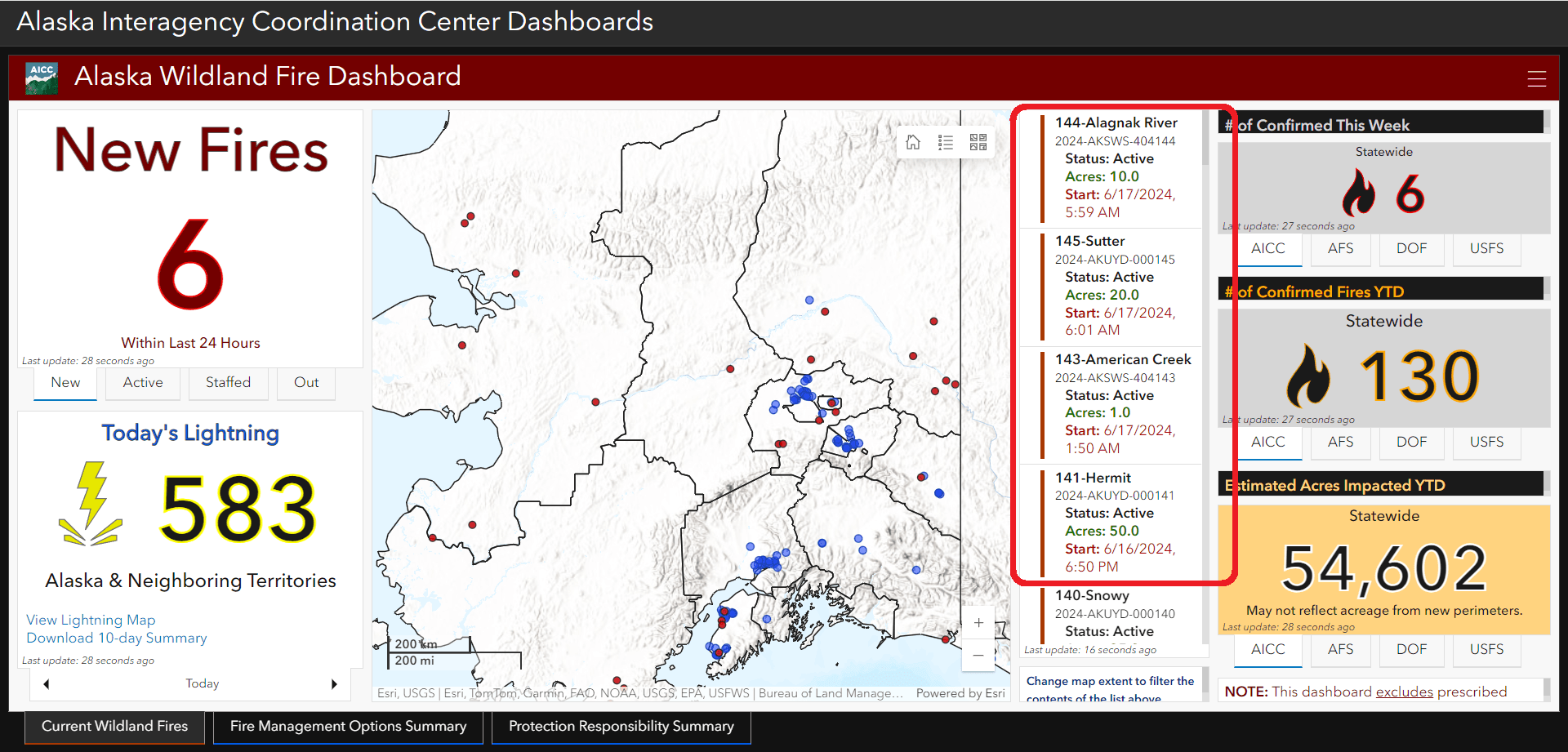
In the picture above, for example, we see different fires covering different areas: 10.0 Acres, 20.0 Acres or, as you can see in the picture, 1.0 Acre in the region “American Creek” were reported.
In Europe, we are not used to measuring in acres. So we will look up this information on Wikipedia.
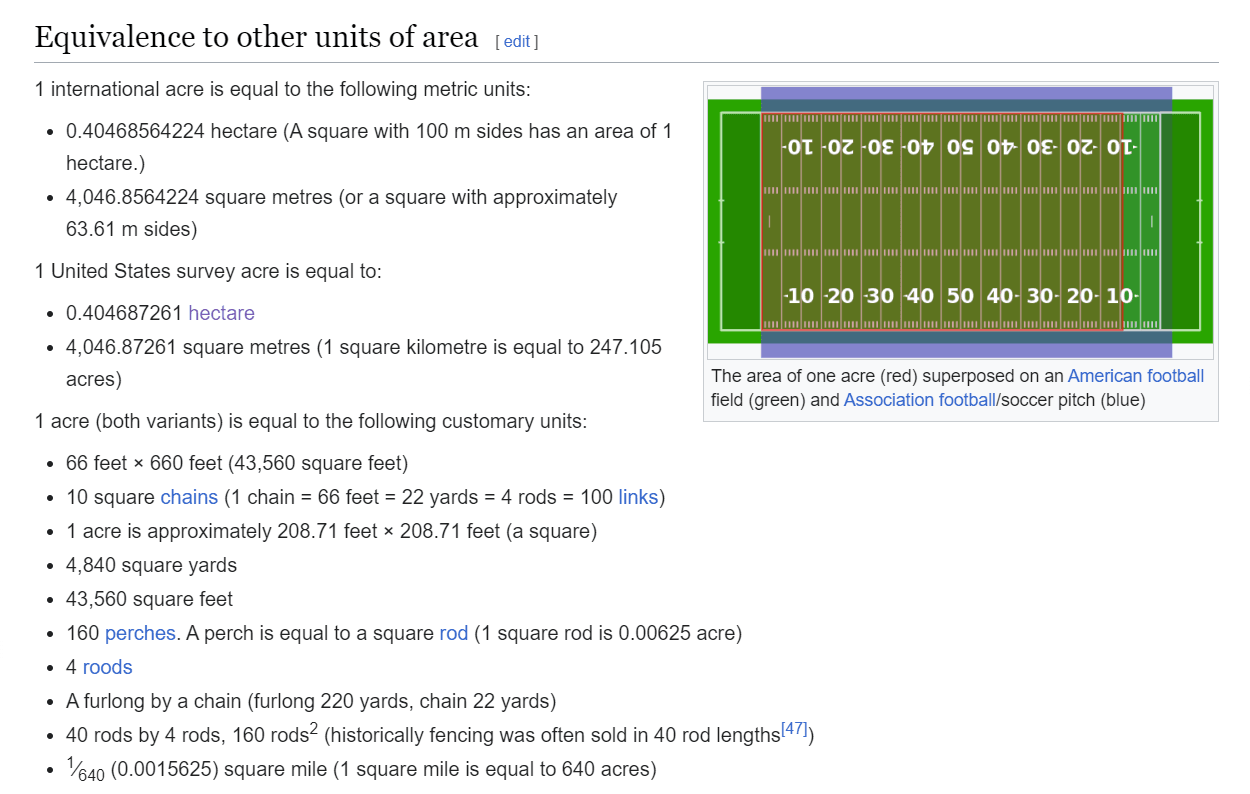
We see that an area of one acre is less than half the area of one hectare. A square with 100 m sides has an area of 1 hectare.
So we conclude: An acre is smaller than a football field.
With the images from the EO Browser, we had achieved a resolution of 10 metres by 10 metres. The images were taken by Sentinel-2. If we click on the question mark next to the satellite selection in the EO Browser, we get detailed information about Sentinel-2, including information about the spatial resolution of the images.